Get SiteLedger on the tools.
Available on iPhone and any web browser. Your crew can be clocked in before lunch.
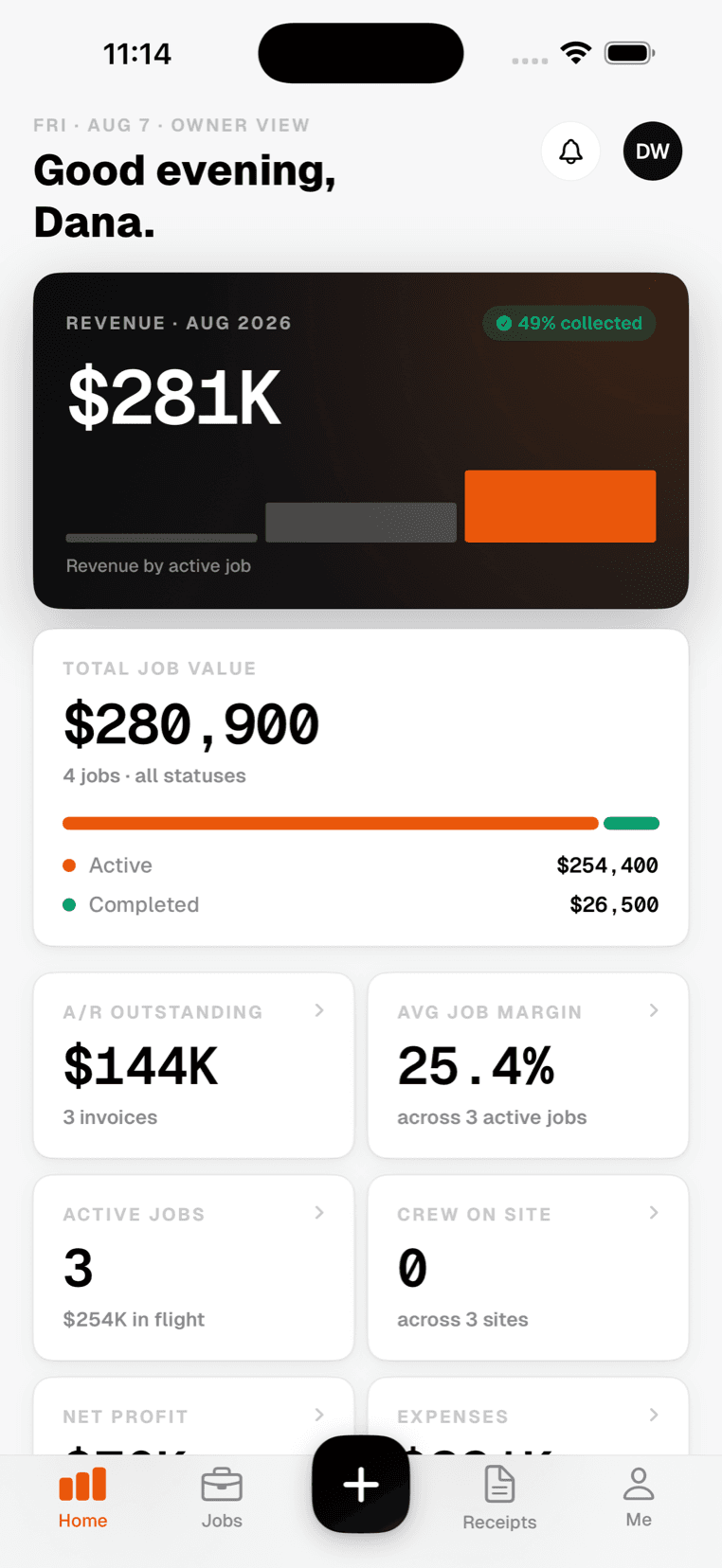
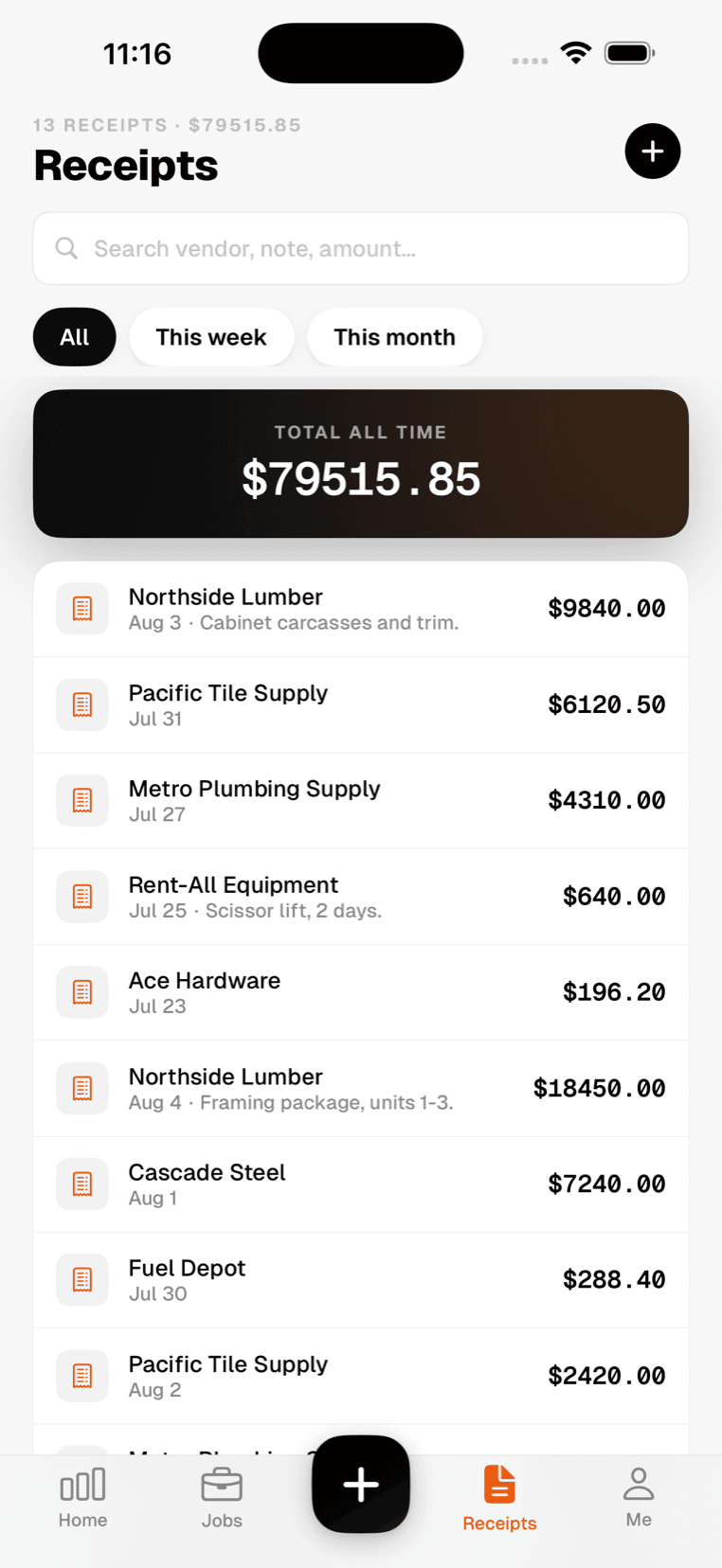
This is the app, as it ships.
Screenshots taken from the current build on an iPhone — the dashboard your crew opens, and the receipt screen they use at the counter.
Free on the App Store. Included with every plan, at no extra cost per person on the crew.
iOS app
The full app for the field — clock in, scan receipts, and file daily logs. Works offline.
Web app
Everything the office needs — job costing, approvals, payroll, and reports.
Android
Coming soonAndroid version in progress. Use the web app on any Android device in the meantime.
Up and running in 4 steps
Sign up with email, Apple, or Google. 1 week free, no card.
Name, address, and budget — the address sets the geofence.
They get a text to install the app and start clocking in.
Hours and receipts post to the job from day one.
The crew installs one app. The office installs nothing.