Everything the crew needs.
Nothing the office doesn't.
A focused set of tools, built around how field-first contractors actually work. No 200-step setup, no consultants required.
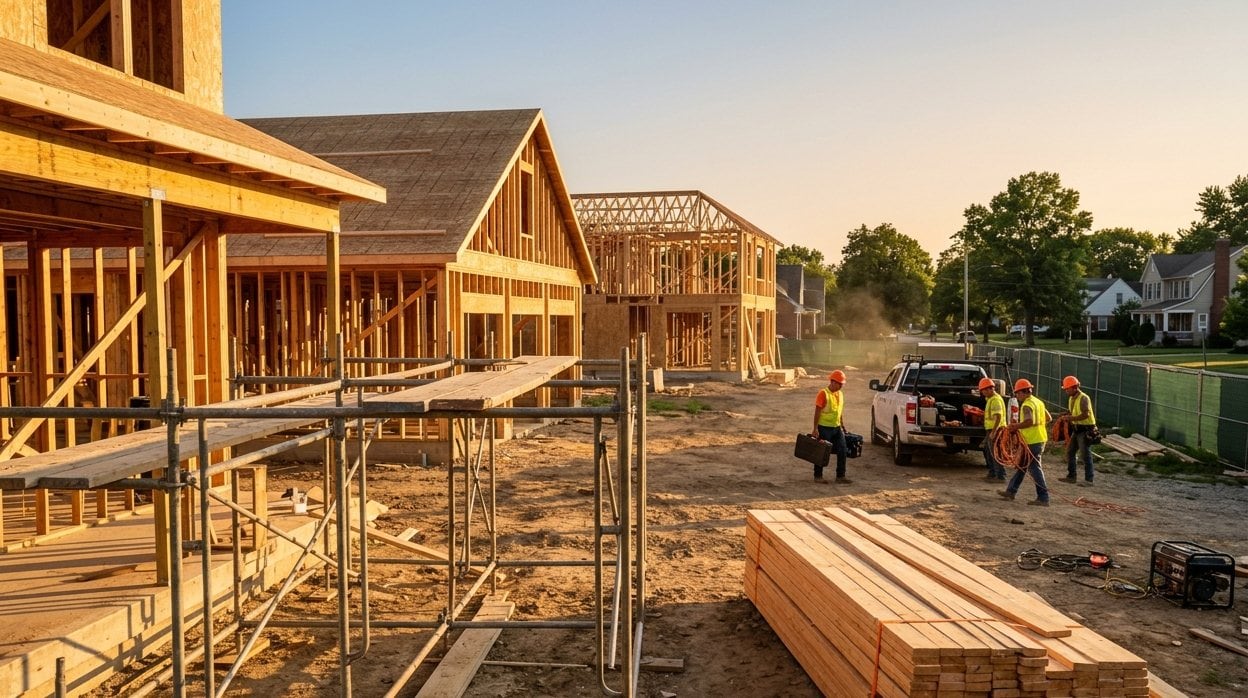
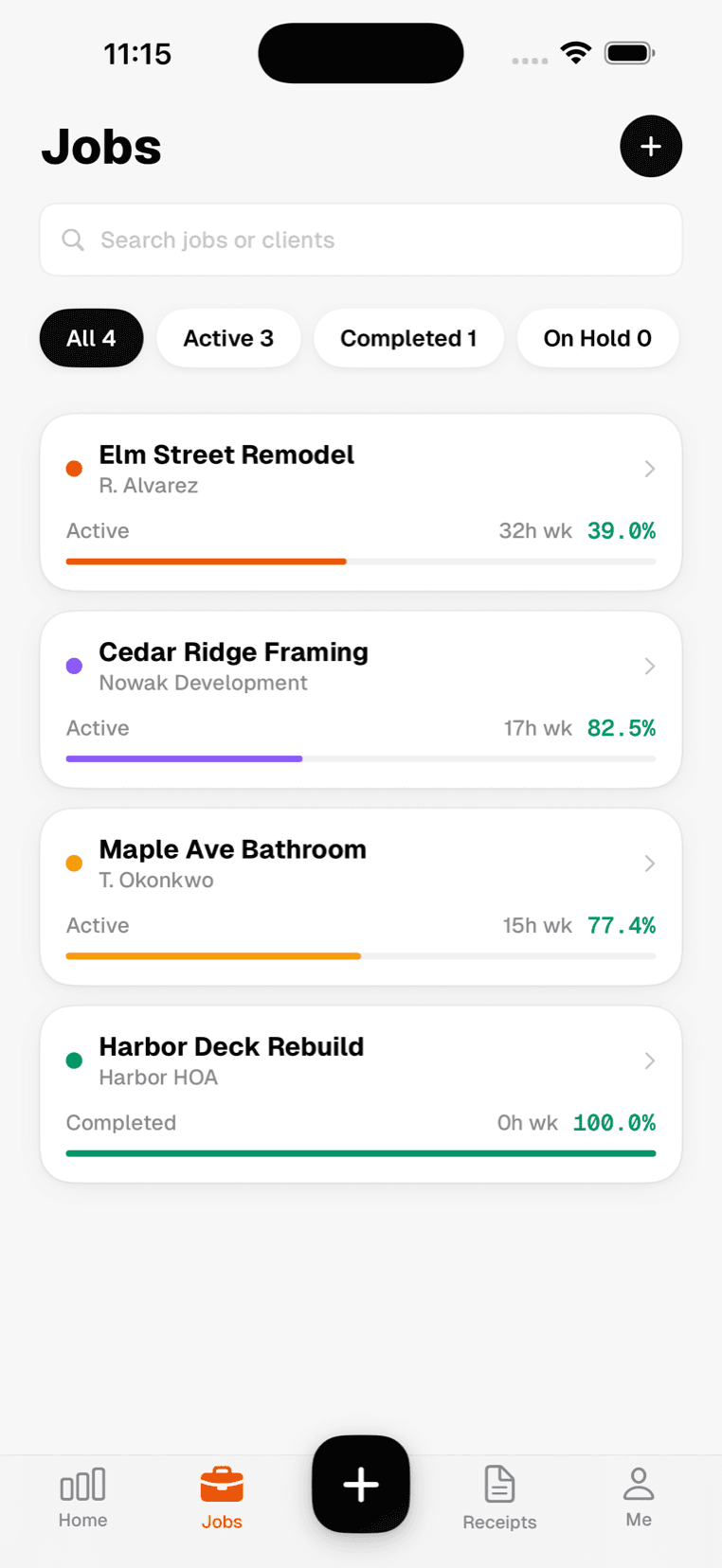
In the field
What your crew actually uses on the job.
Receipts
Snap a photo on-site. AI extracts vendor, amount, and category instantly.
Timesheets
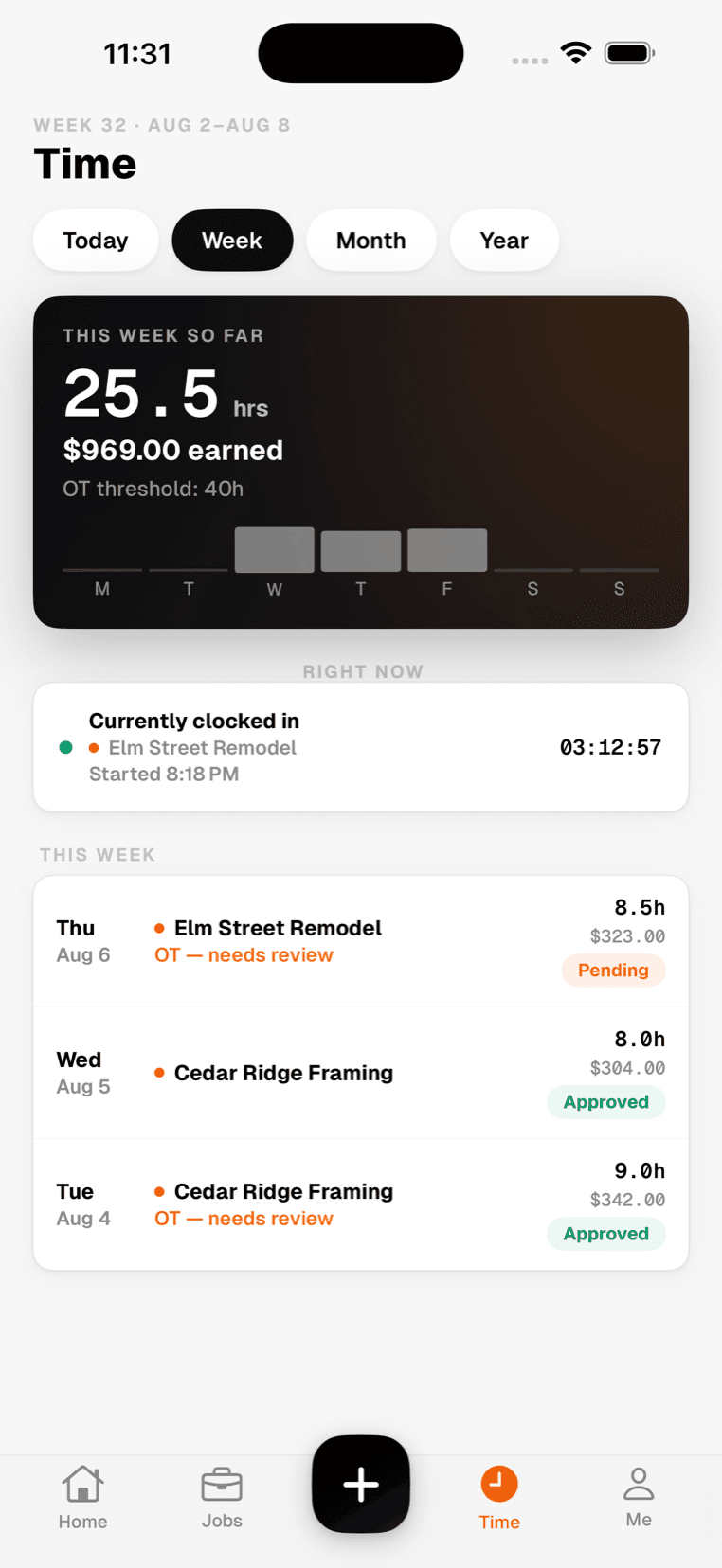
Workers clock in from the field. Managers approve from anywhere.
Geofence tracking
Verify your crew is actually on site when they clock in.
Daily logs
Field notes, weather, crew, and progress logged from the job site.
In the office
Everything that used to be a spreadsheet.
Job costing
Every dollar tracked per job. Know your margin before the job closes.
Reports
Labor, materials, and profit broken down by job, worker, or date range.
Approvals
Sign off timesheets and expenses directly from the job site.
AI insights
Flags subcontractors trending over budget before it becomes a problem.
Works everywhere you do
Built for how construction actually works — fast, mobile, and offline-first.
Offline mode
Clock in, scan, and log without a signal. Syncs when you're back in range.
iOS app
The full app on your phone. Free on the App Store.
English & Español
The whole app, available in English and Español.
Role-based access
Owners, managers, and workers each see exactly what they need.
The office side, in any browser.
Everything the crew sends from site lands here — hours, receipts and the profit on every job. Nothing to install.
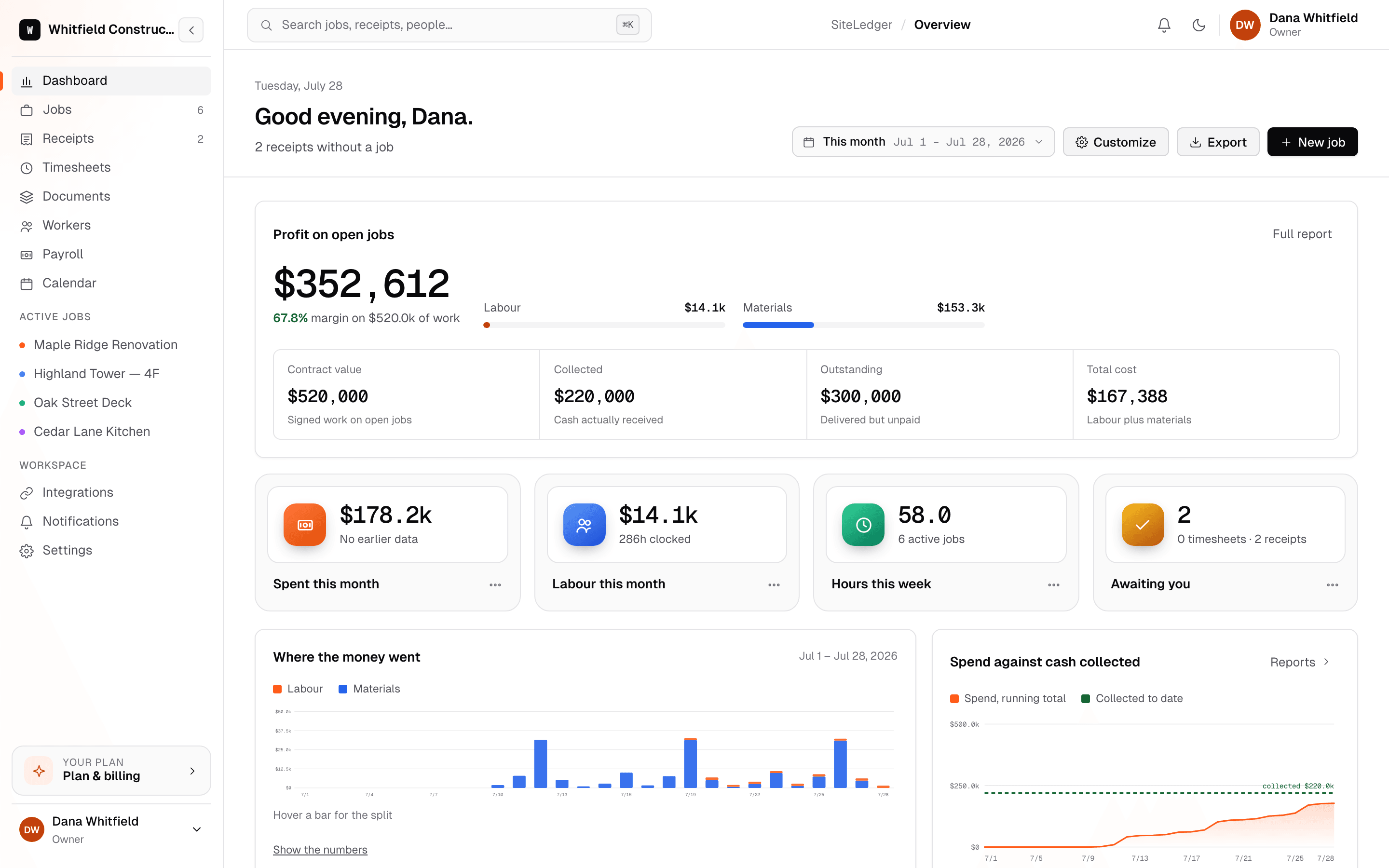
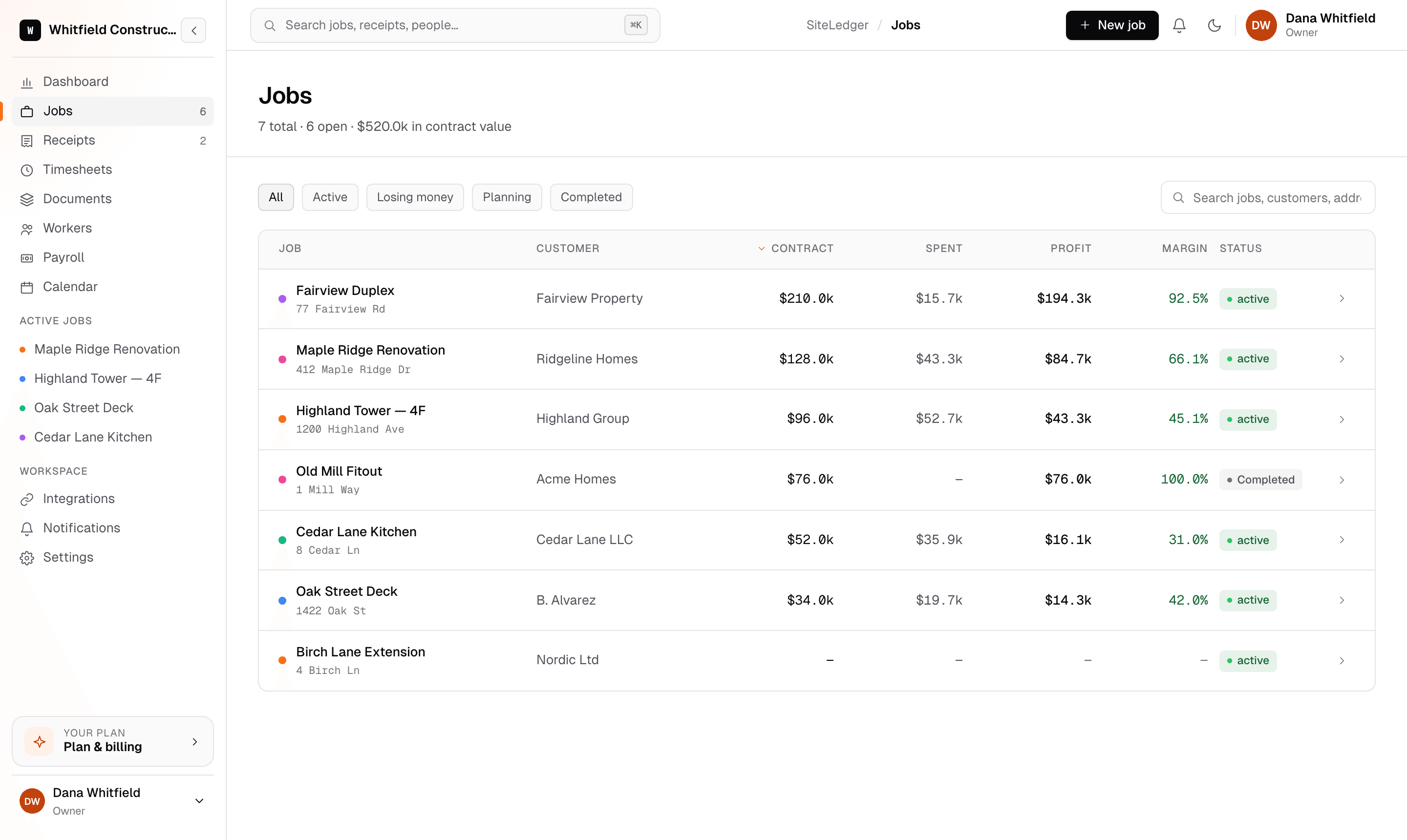
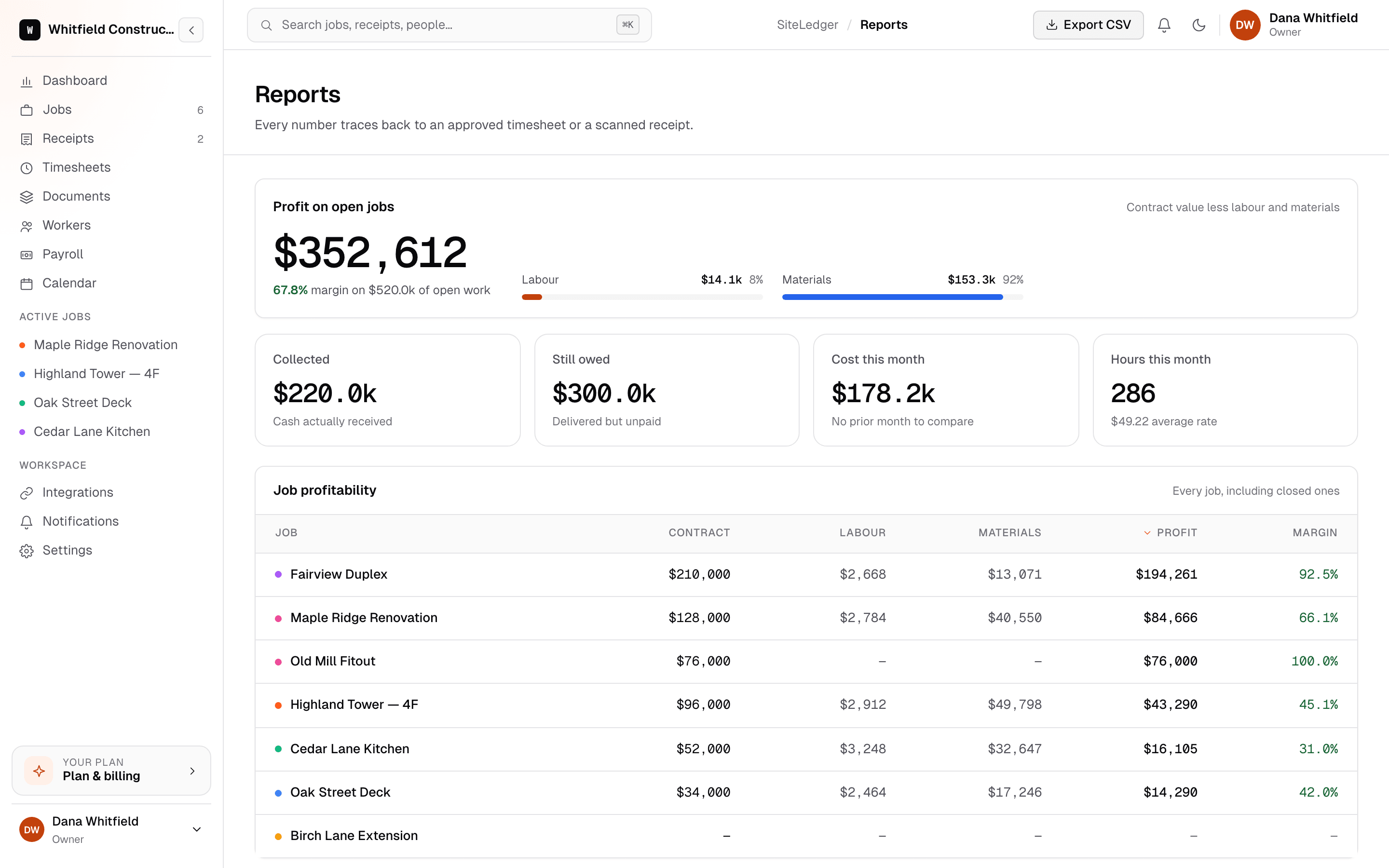
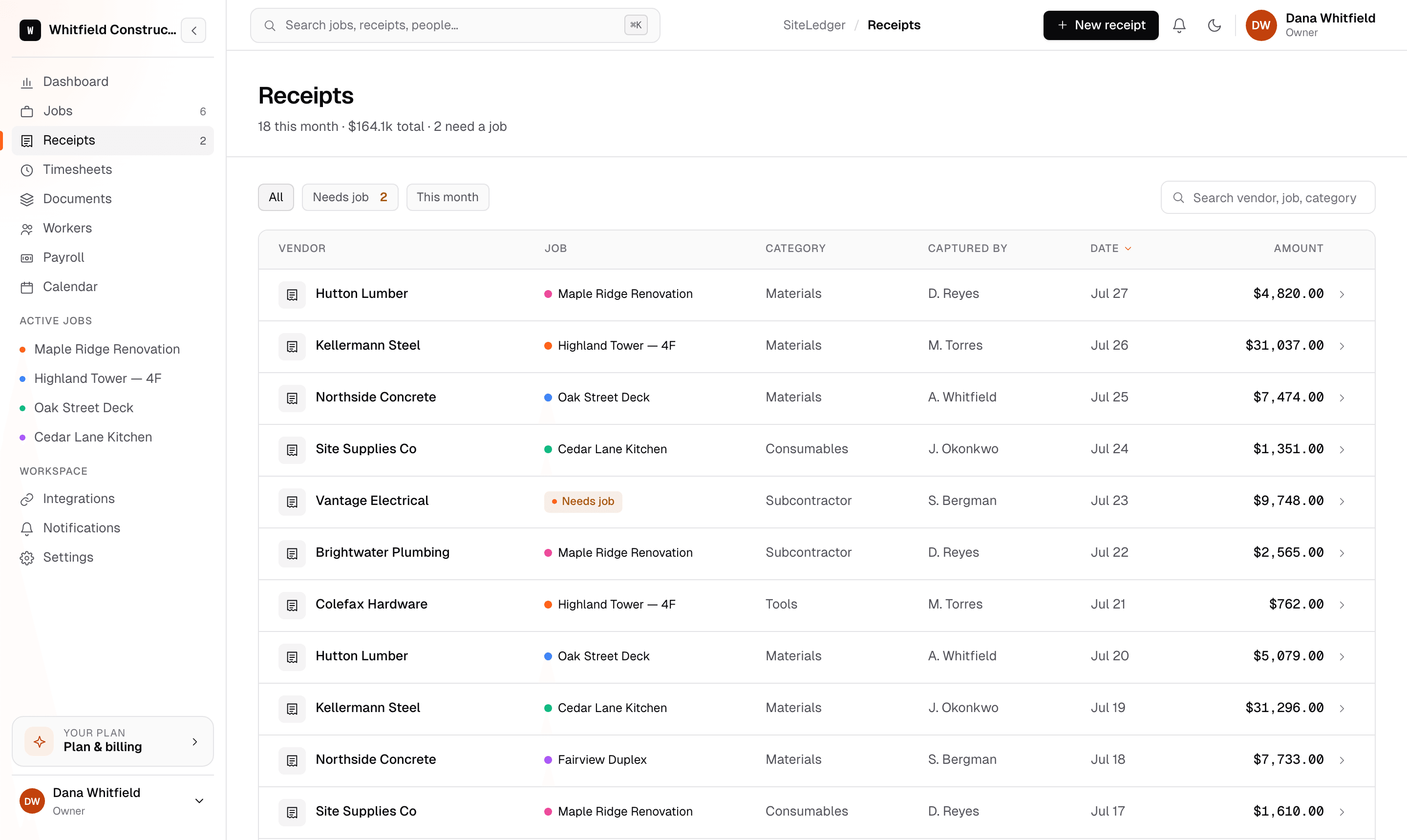
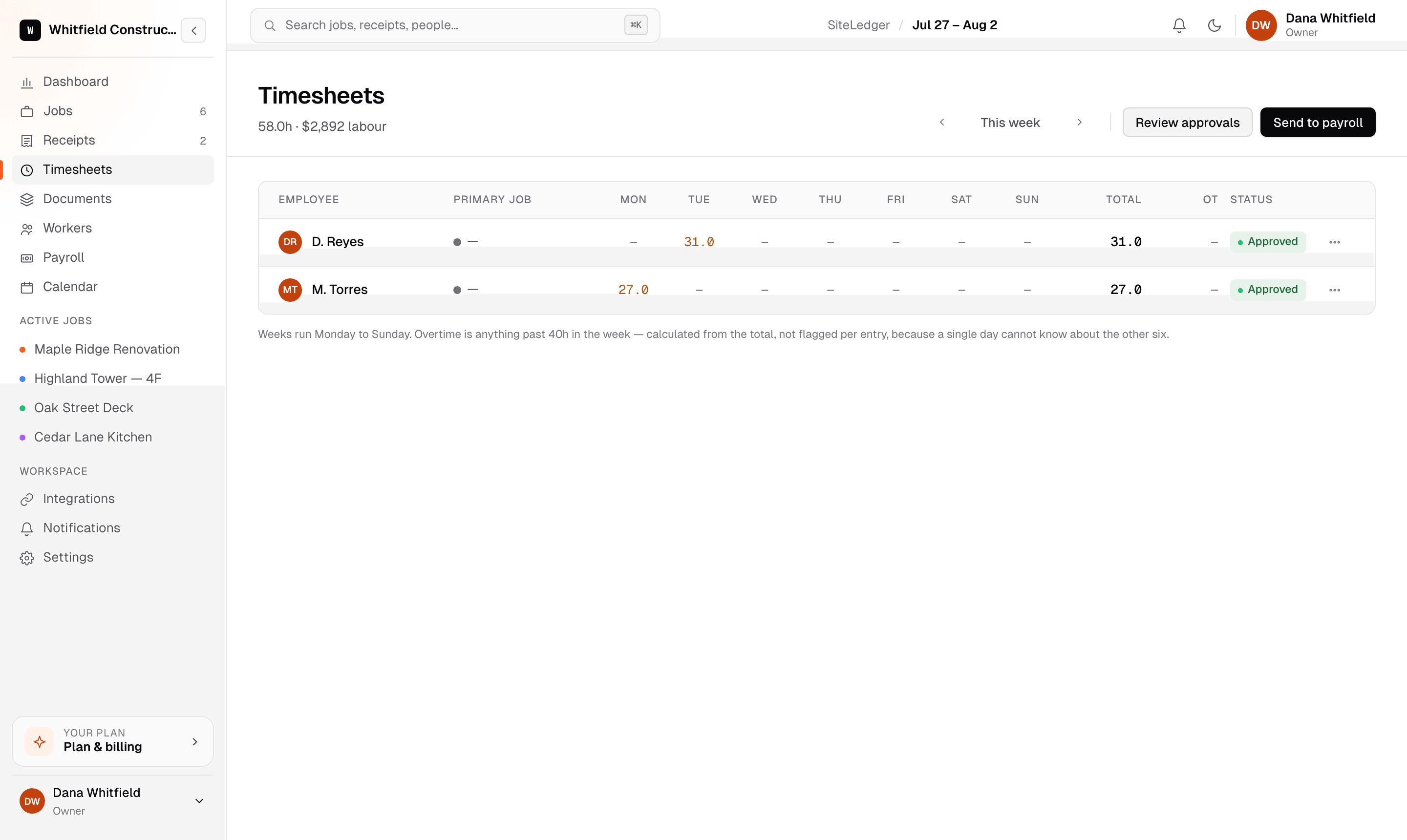
Profit on every open job, and the cash still owed, on one screen.

Built for the field
None of it matters if the crew won't use it.
Every feature above has to survive gloves, sunlight and no signal — or it never gets used, and the numbers go back to being guesses.
Get the iOS appThe same numbers, in a pocket.
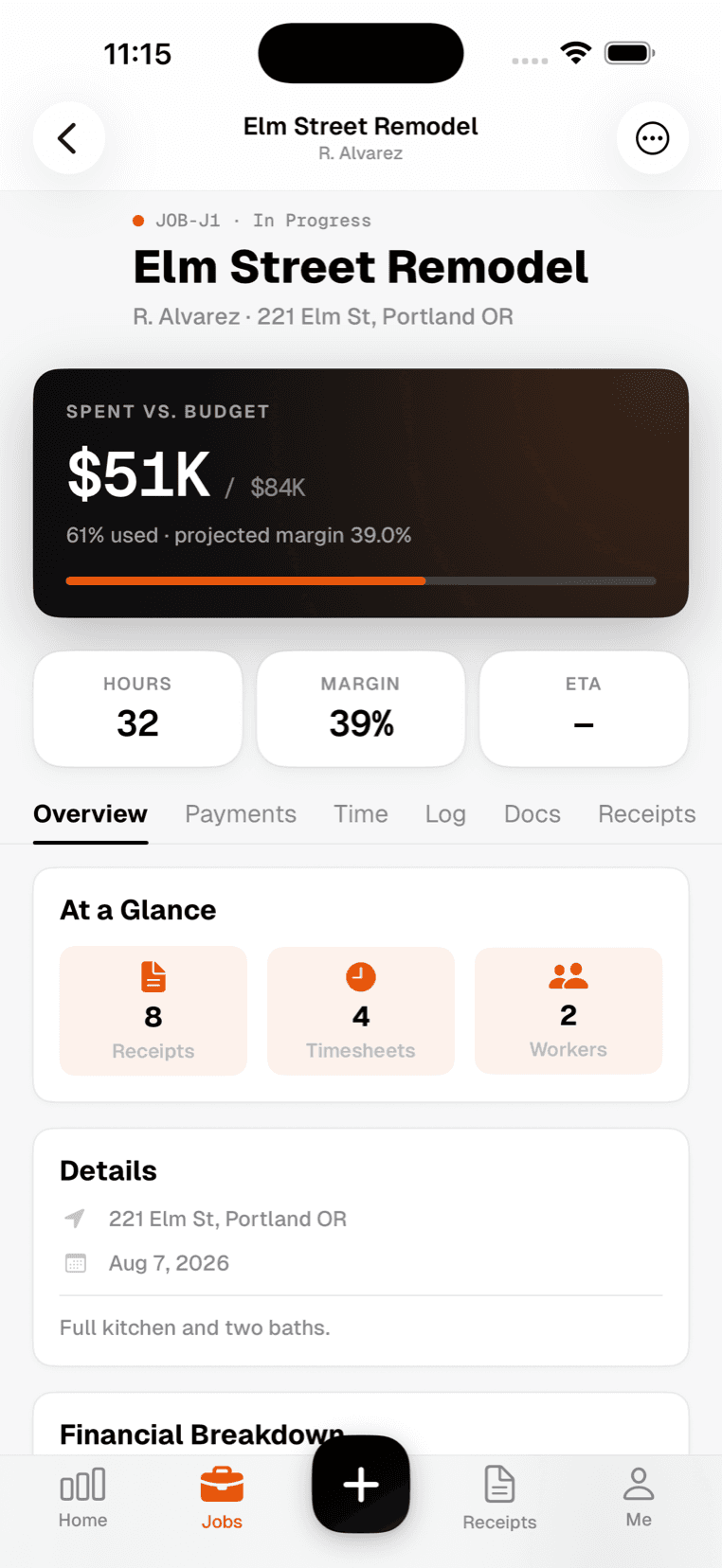
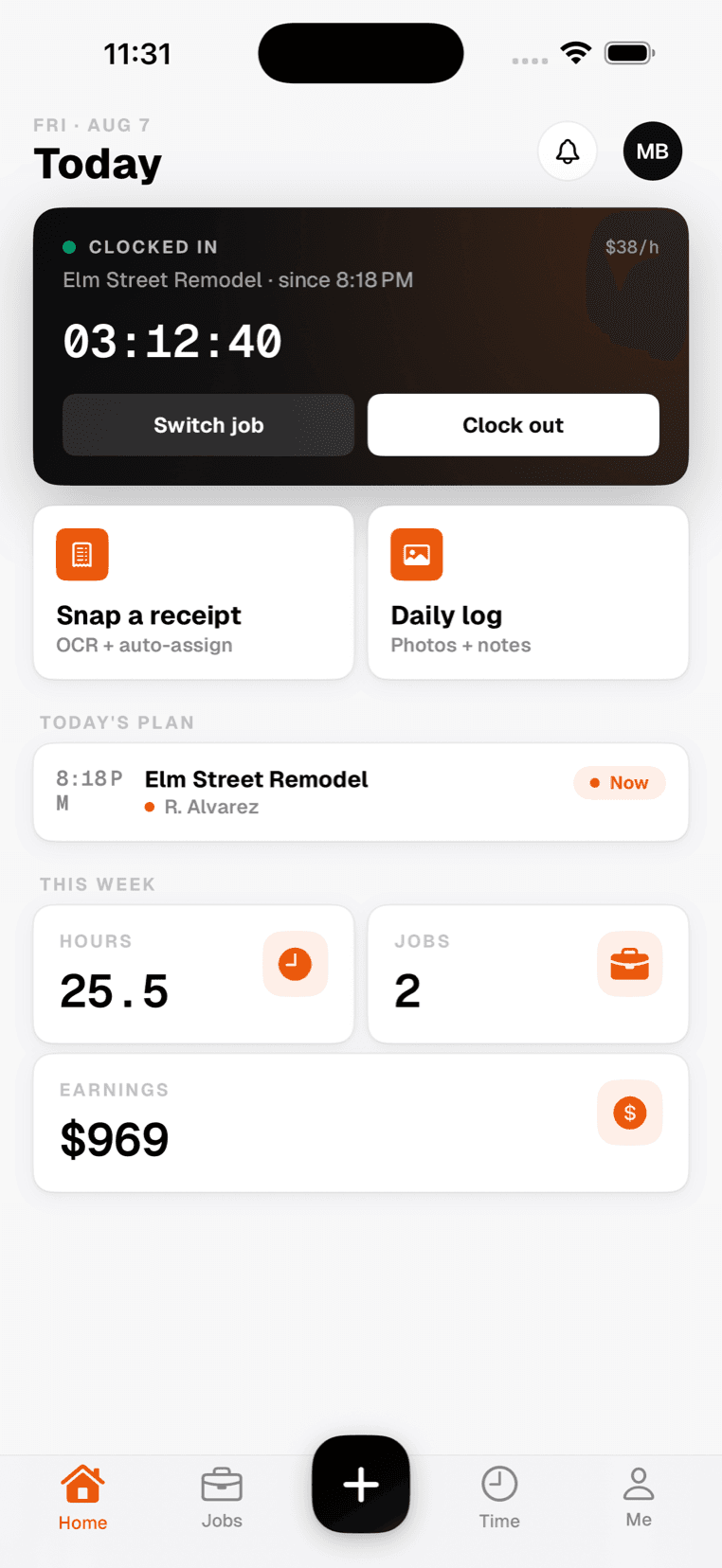
The iOS app is not a cut-down companion. Jobs, receipts, timesheets and the profit on every job are all there, and it keeps working when the signal does not.
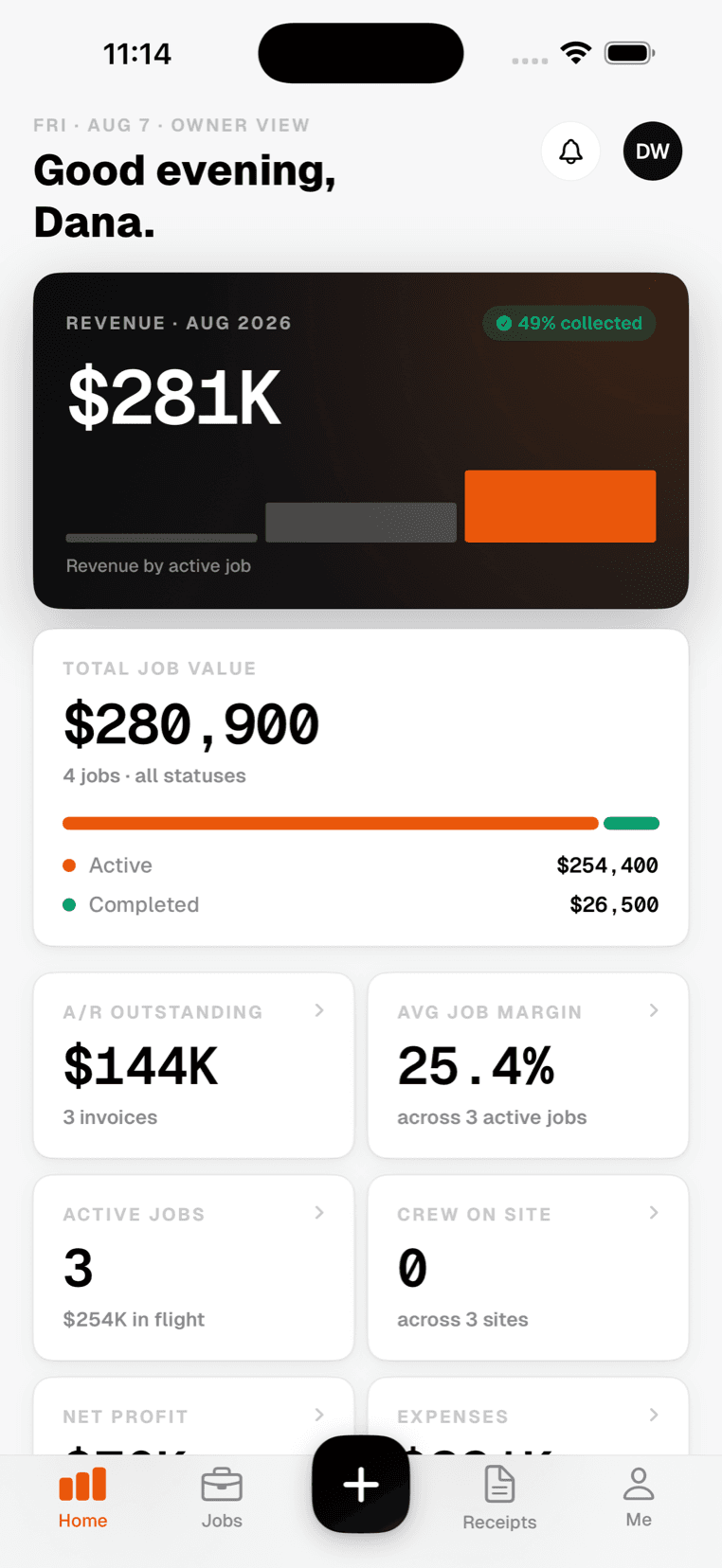
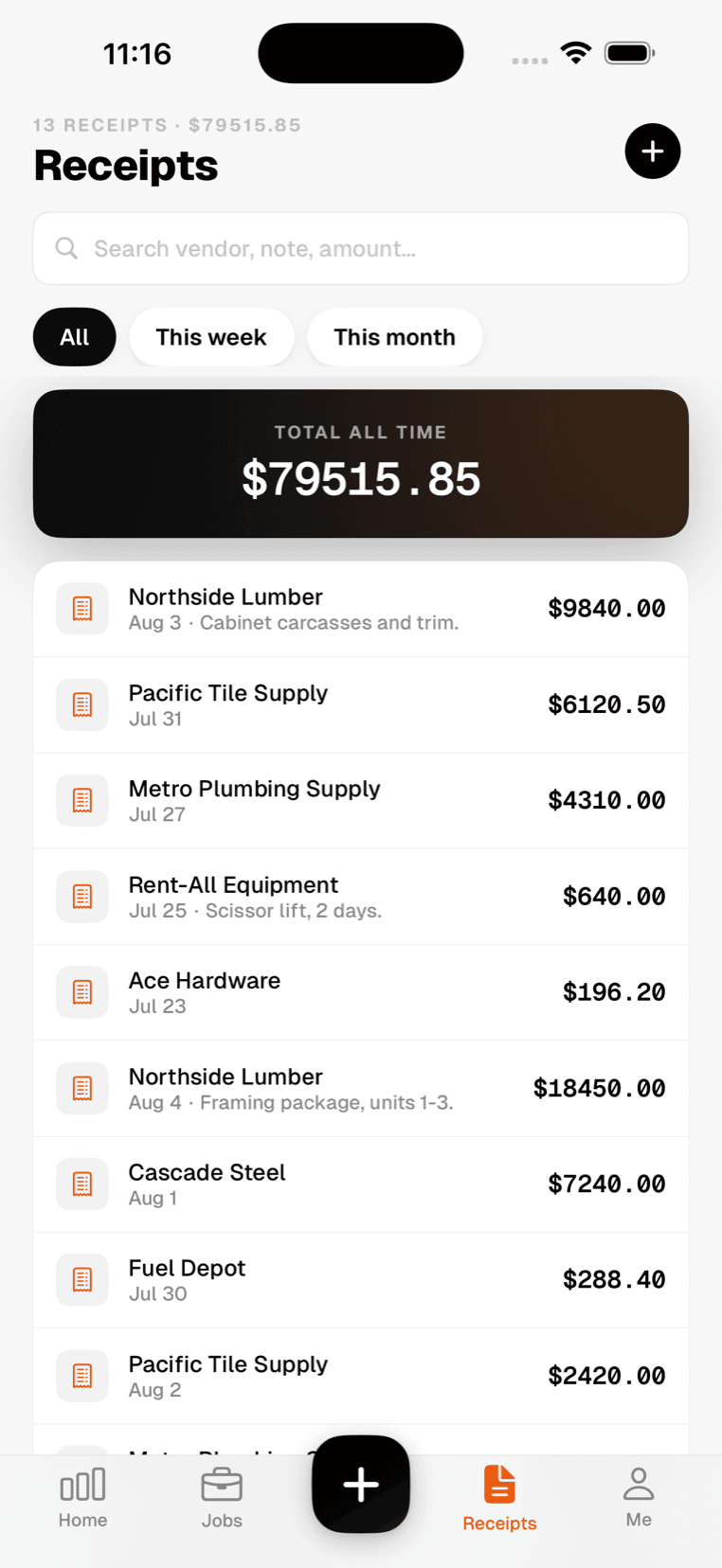
The whole product, not a highlight reel.
Captured from the running app. Nothing here is a mockup.