Documentation
Everything you need to run it.
32 guides across 8 areas — setup, the field, and the office.
Getting started
Set up your account, add your first job, and get the crew clocking in.
Jobs
Create jobs, put crew on them, watch the cost build, and close them out.
Time tracking
Set a boundary on each job site, clock the crew in and out, approve the week, and see how overtime is counted.
Receipts and expenses
Scan a receipt at the counter, check what the AI read, put the expense on the right job, and keep the paperwork with it.
Job costing and profit
How labor and material costs land on a job, and how SiteLedger turns them into a live margin.
Reports
Profit by job, labor by worker, and getting your records out as CSV.
Account and security
Roles, crew management, privacy, and language settings.
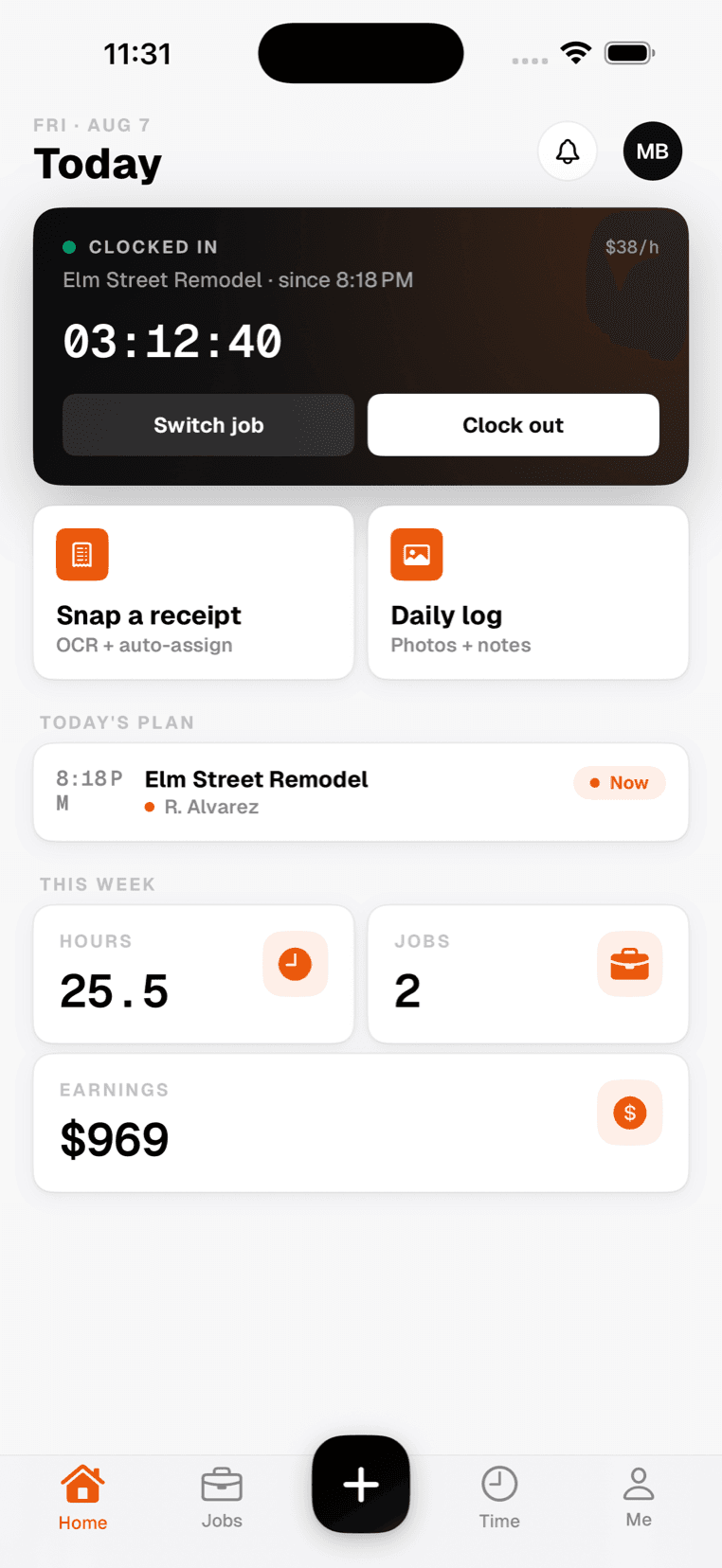
Mobile app
Everything the crew needs in the field — offline, one-handed.
The app
What the docs are describing.

Getting startedAdd a job, invite the crew
Day oneThey clock in from site